Send wedding invites on WhatsApp and get one-tap RSVPs
No more forwarding the card to 300 people one by one, then calling the ones who did not reply. Pick your guests, write a line from the two of you, and Pherey sends the invite on WhatsApp. Guests tap yes or no, and the answer lands on your guest list.
- Invite everyone in one go
- One-tap RSVP in WhatsApp
- Scheduled broadcasts
How do I send wedding invites on WhatsApp?
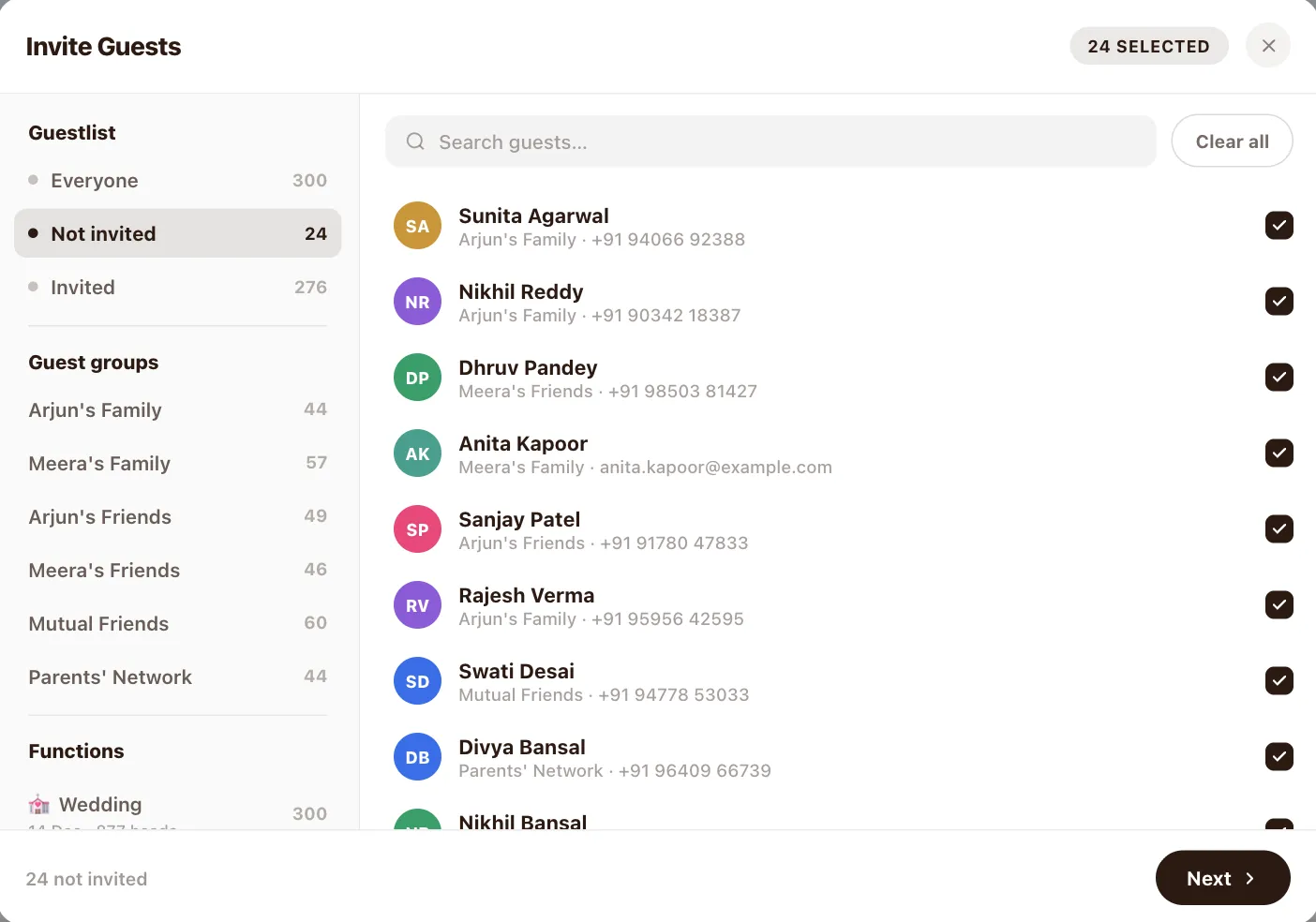
Pick your guests
Tick guests one by one, or pick a whole group, side or function. Not invited yet is one tap.
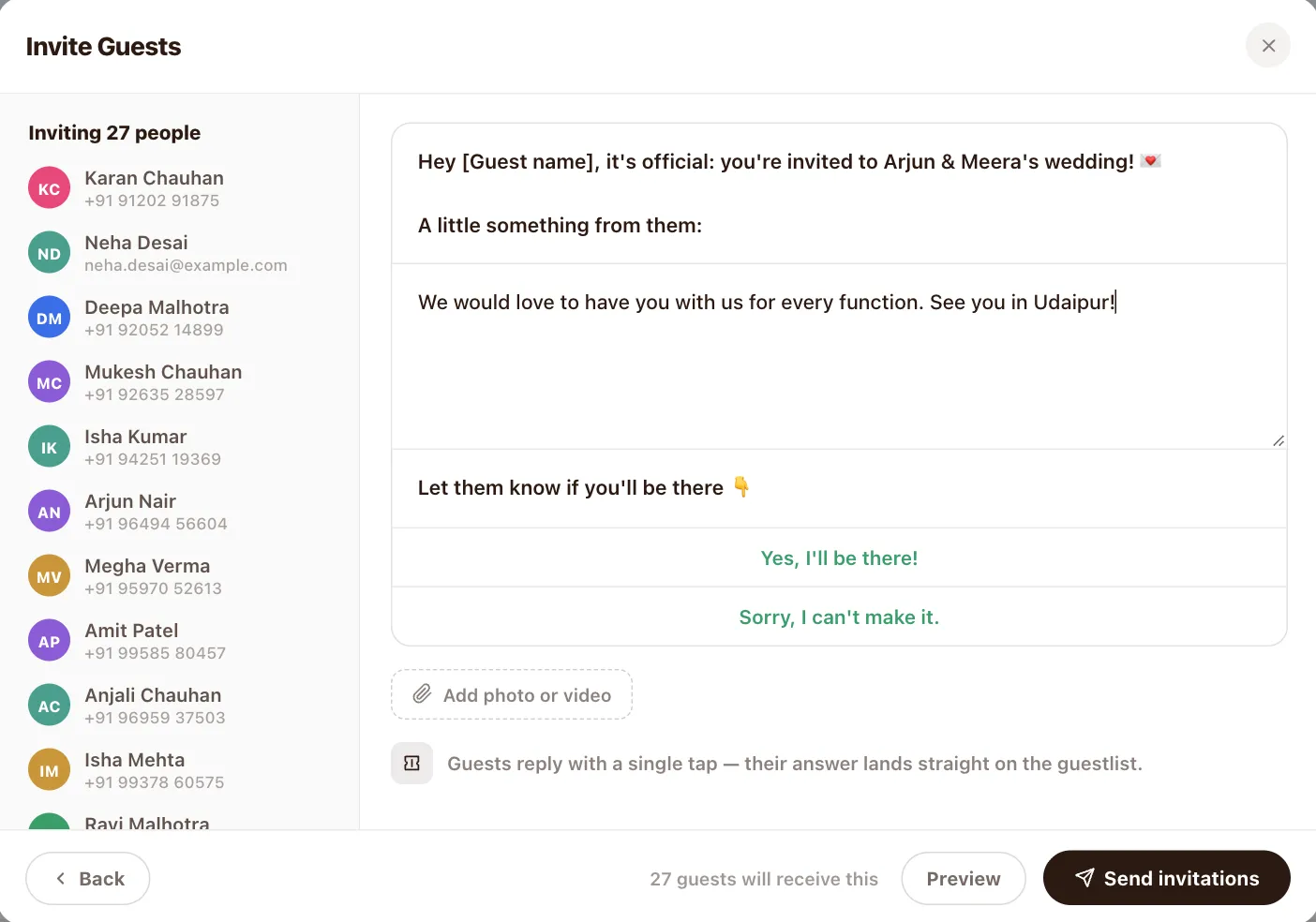
Write your message
Add a line from the two of you and a photo or video. The invite and reply buttons are already there.
Send
Everyone gets the same invitation on WhatsApp with your message.
Watch RSVPs come in
Guests reply with one tap and their answer lands straight on your guest list.
Invite everyone in one go
Filter by who has not been invited, by group, like Meera’s family, or by function, then select them all. You can see exactly how many people the invite is going to before you send it.
How do guests RSVP on WhatsApp?
Your invite arrives with two buttons: “Yes, I’ll be there!” and “Sorry, I can’t make it.” Guests tap one, right inside WhatsApp. No forms, no links to open, and you do not have to chase anyone for an answer.
Broadcasts: write it once, send it to all
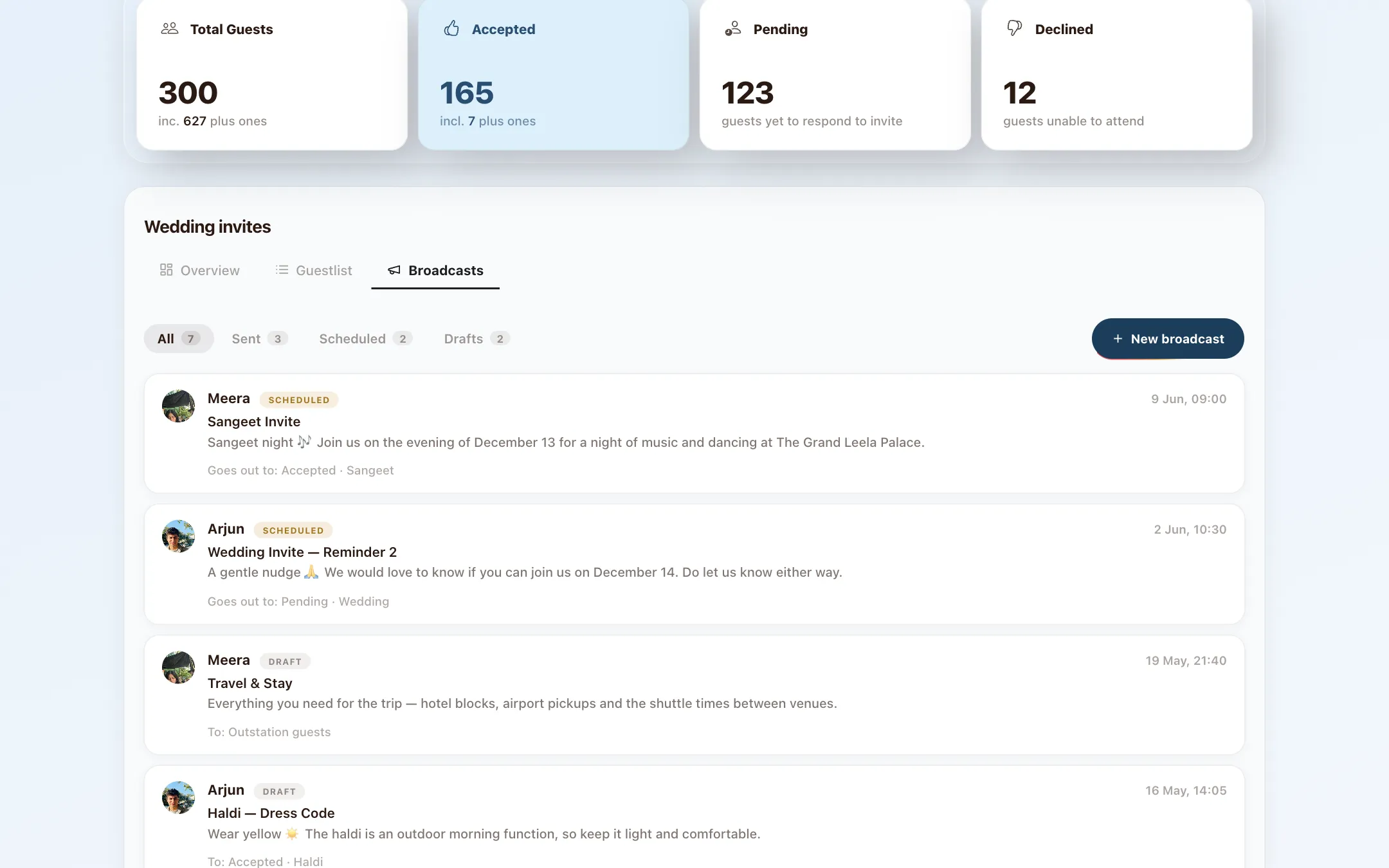
After the invite comes everything else: the Haldi dress code, hotel blocks and airport pickups, a gentle nudge for people who have not replied. Write it once and Pherey sends it to every guest you pick over WhatsApp. No copying numbers, no forwarding it yourself.
- Choose who hears it: accepted, pending, a group or a function
- Send now or schedule it for later
- Save drafts and see what has gone out
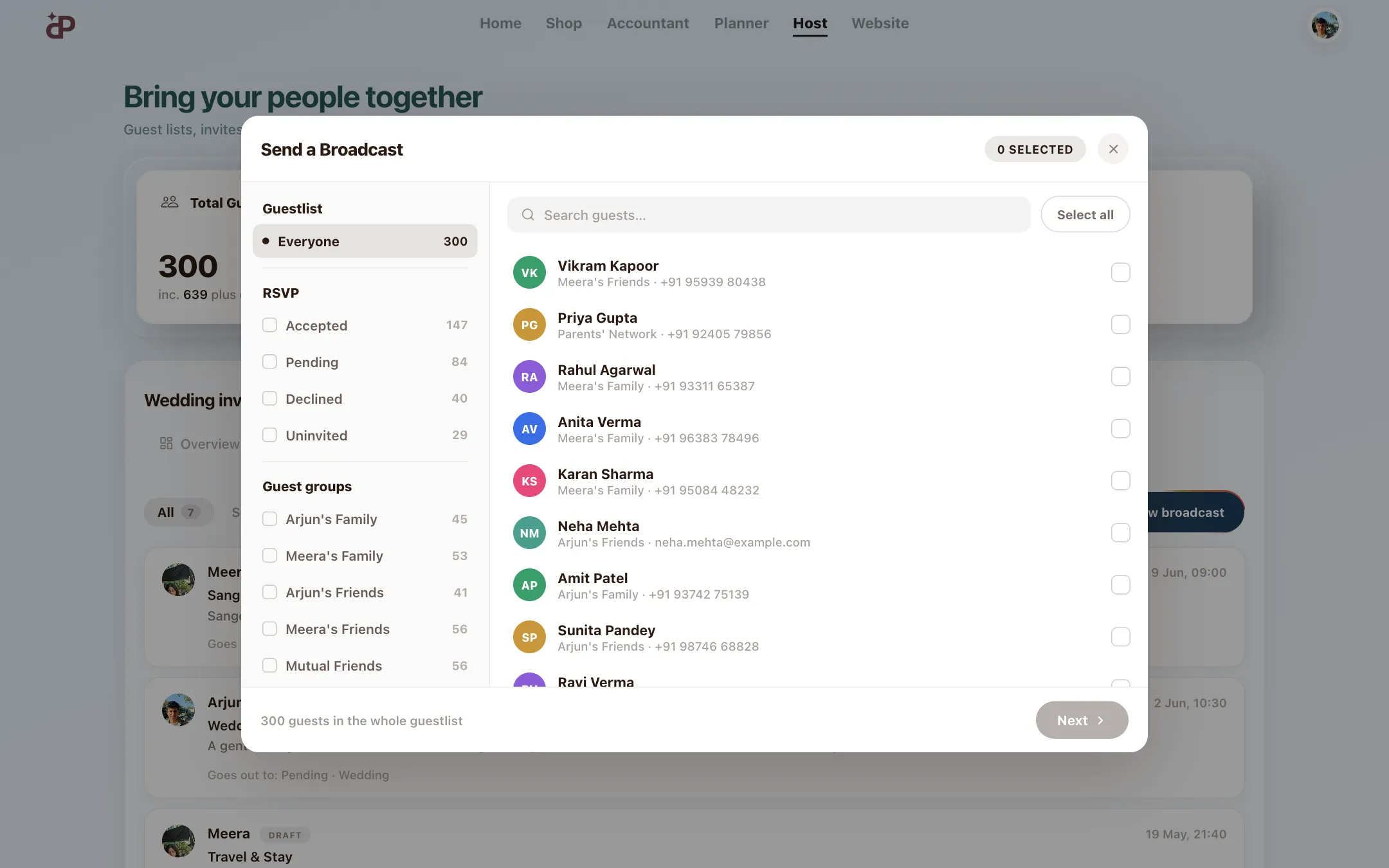
Choose exactly who hears it
Reminders go to people who are still pending. Dress codes go to guests attending that function. Travel details go to outstation guests. Pick by RSVP status, group or function so every message lands with the right people.
Questions families ask
Do guests need to download an app to RSVP?
No. They reply with one tap inside WhatsApp, or from your wedding website.
Can I send invites to one function only?
Yes. Pick the guests invited to that function and send. Each function keeps its own RSVP count.
Can I schedule a WhatsApp message for later?
Yes. Broadcasts can go out now or at a time you choose, and you can save drafts.
Can I send a reminder to people who have not replied?
Yes. Choose pending as the audience and send a gentle nudge to just those guests.
Plan it together, from anywhere
Free to start. Bring in your partner, parents and siblings whenever you are ready.
Keep exploring
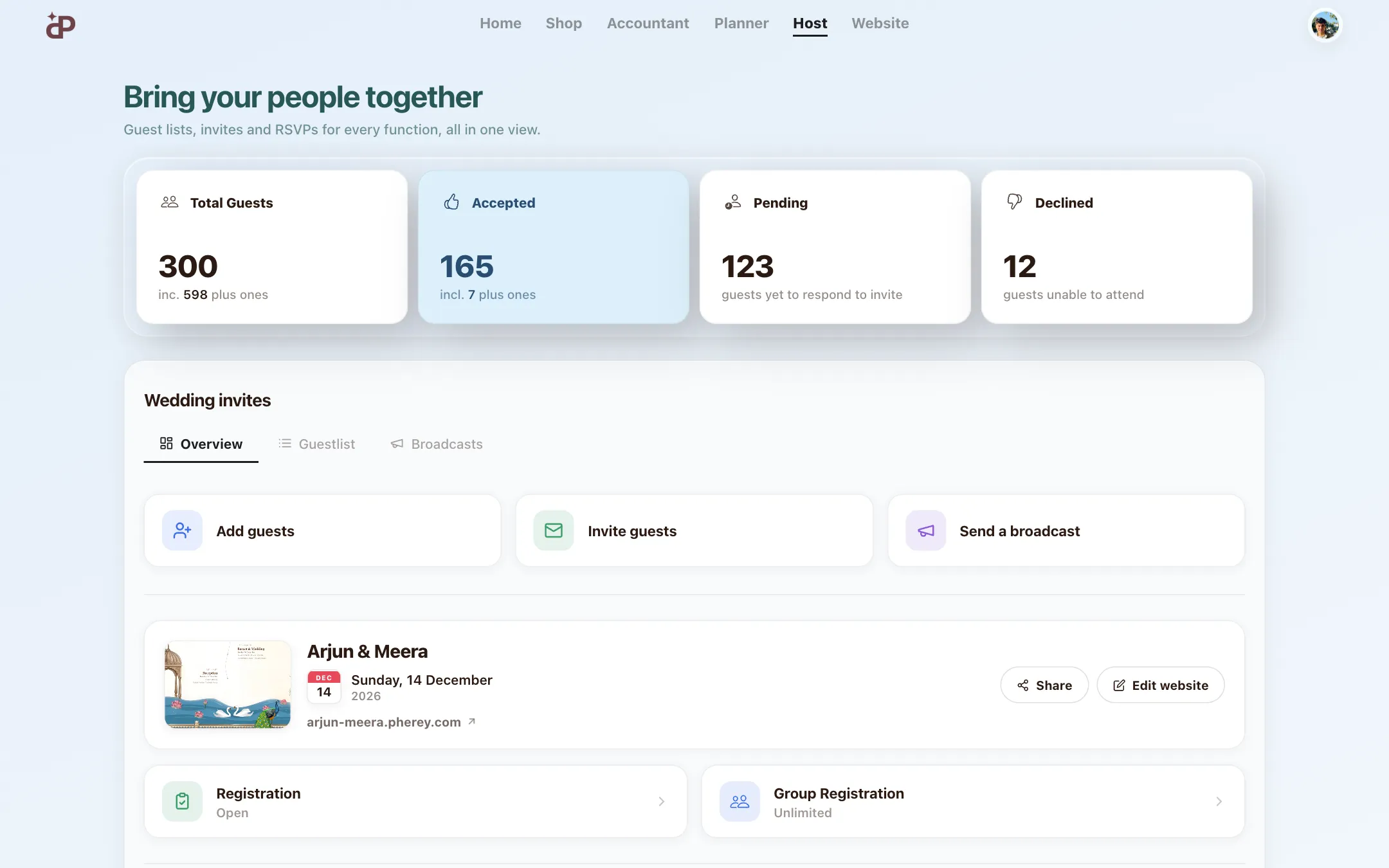
Guest list & RSVP manager
Guest lists, invites and RSVPs for every function, sorted by side and group.Learn more →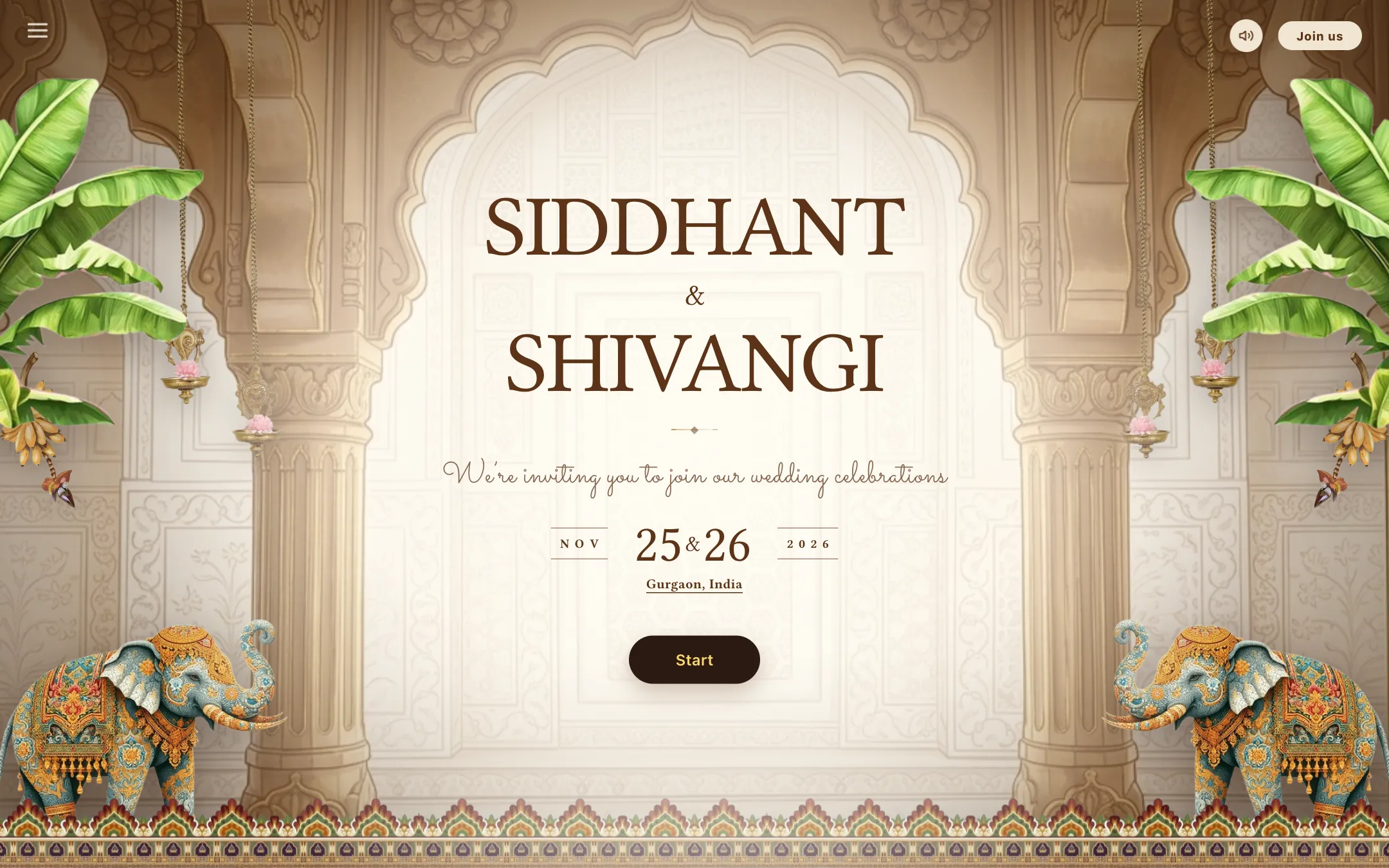
Wedding websites
Beautiful Indian wedding website templates with your story, schedule and RSVP.Learn more →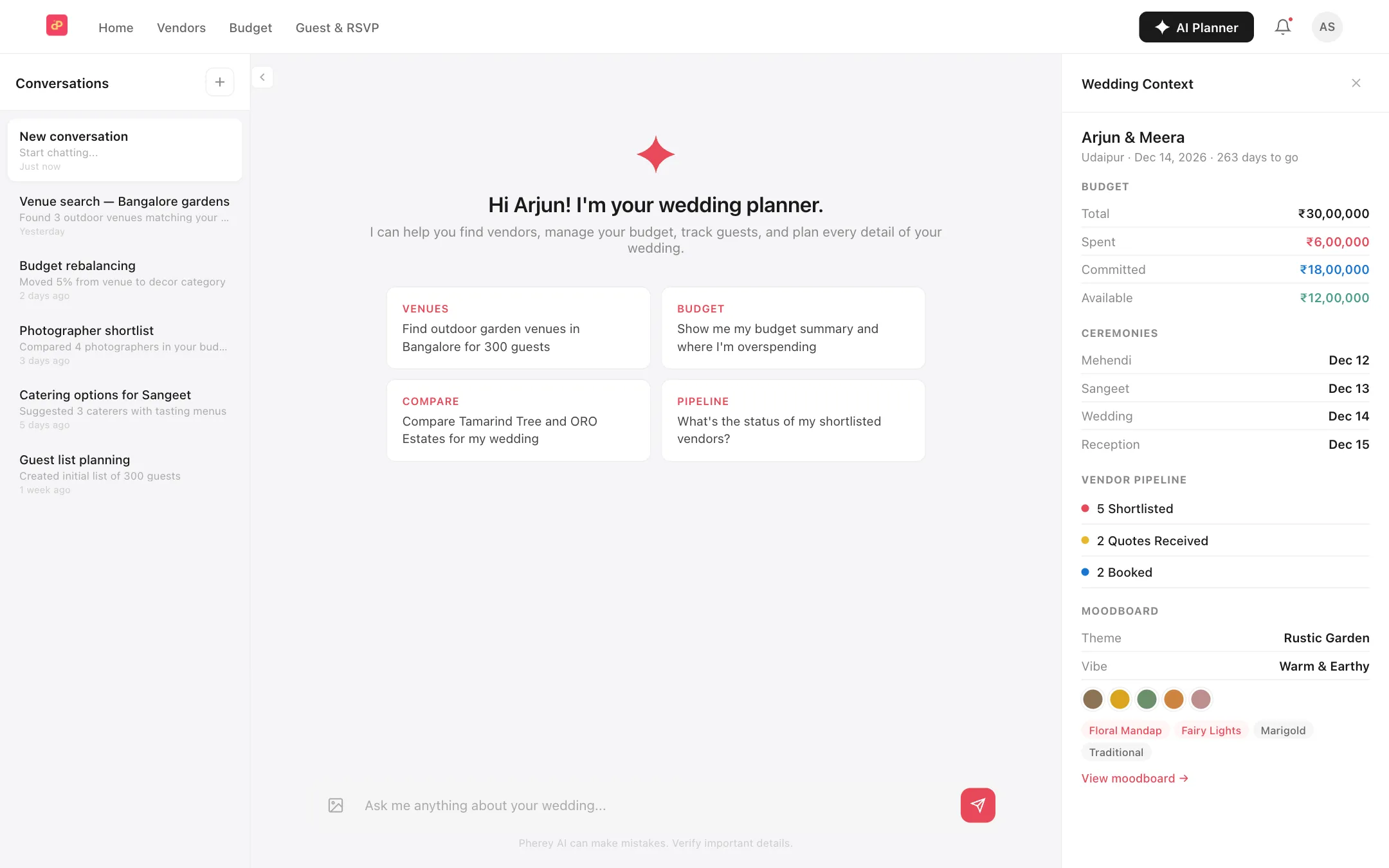
AI wedding planner
Ask about your budget, guests and to-dos, and let it do the busywork.Learn more →
It is always meant to be