Set up your wedding on Pherey in five minutes
Tell us your name and who you are in the story, add your partner and the date, and Pherey sets up a shared wedding workspace. Then bring in the people who are planning it with you.
- Free to start
- Works for the couple, family or a planner
- Partner & family join with a link
How do I start planning on Pherey?
Sign up
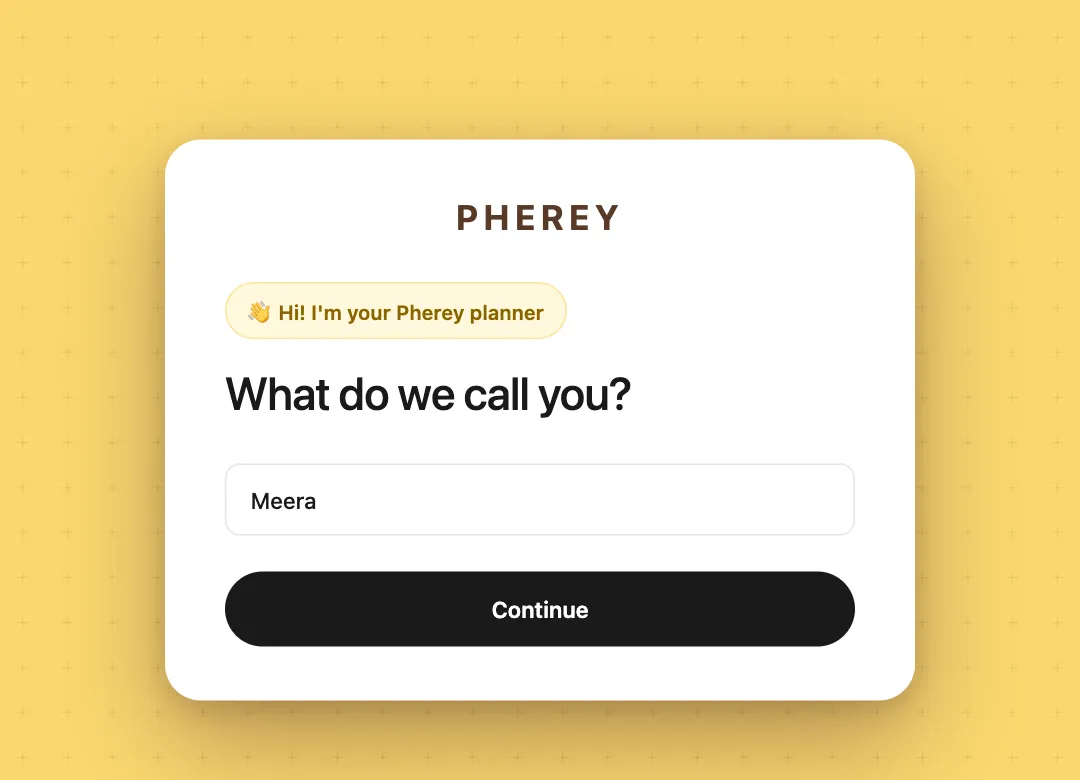
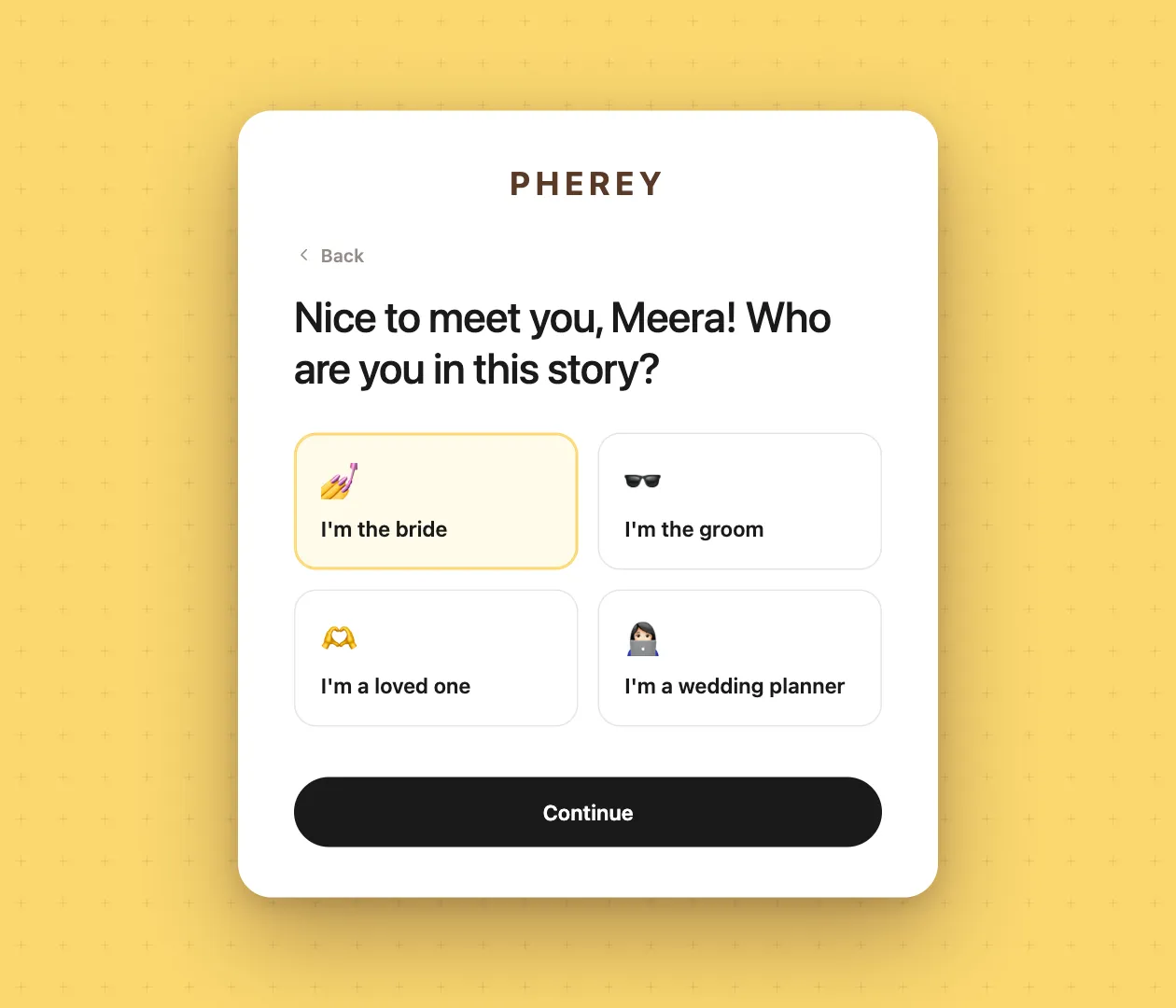
Tell us your name and pick who you are: the bride, the groom, a loved one or a wedding planner.
Add the wedding
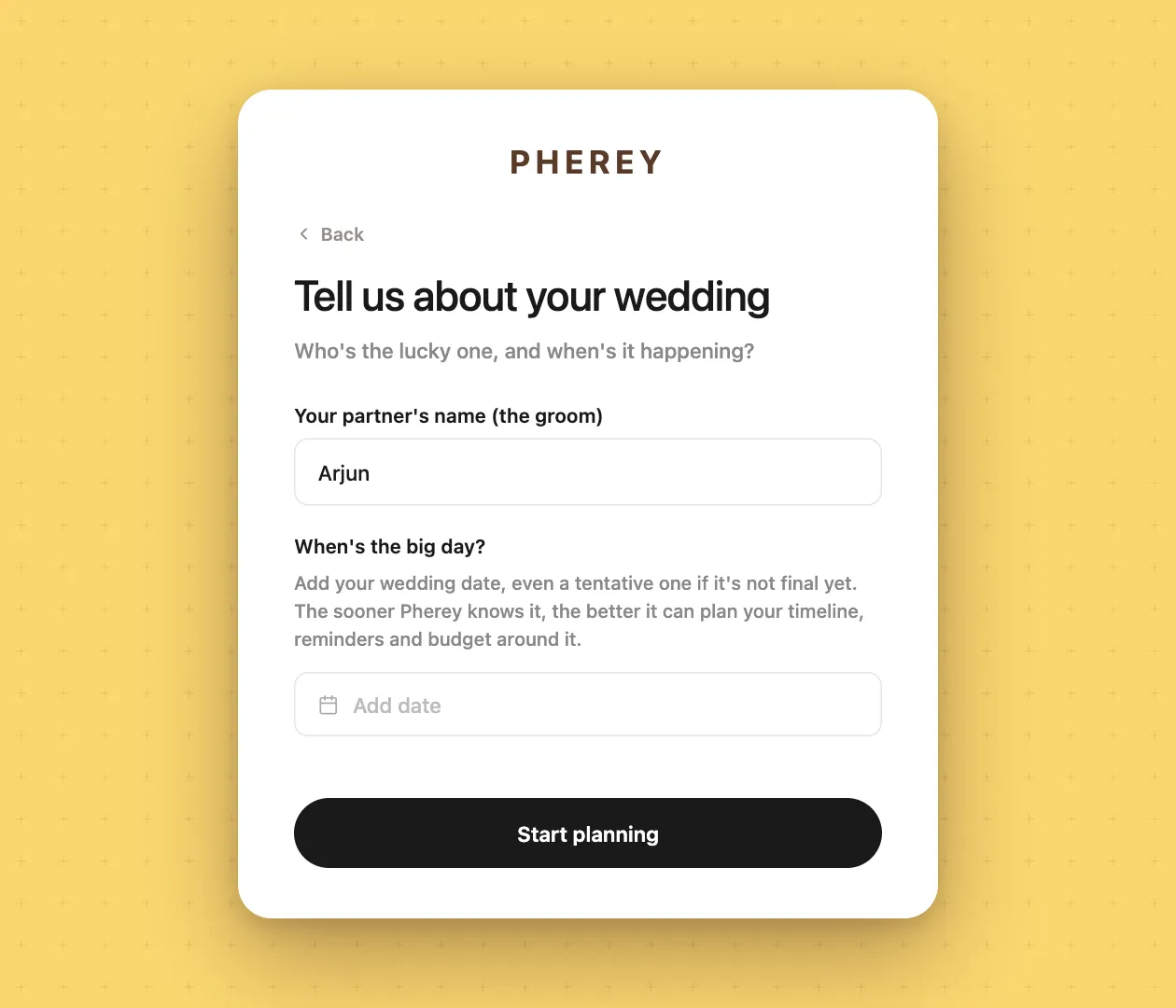
Your partner’s name and the big day. A tentative date is fine, you can change it any time.
Invite your people
Send your partner, parents and siblings a link so they plan with you from day one.
Answer a few questions
Pherey asks about your functions, budget and guest groups, and takes notes as you go.
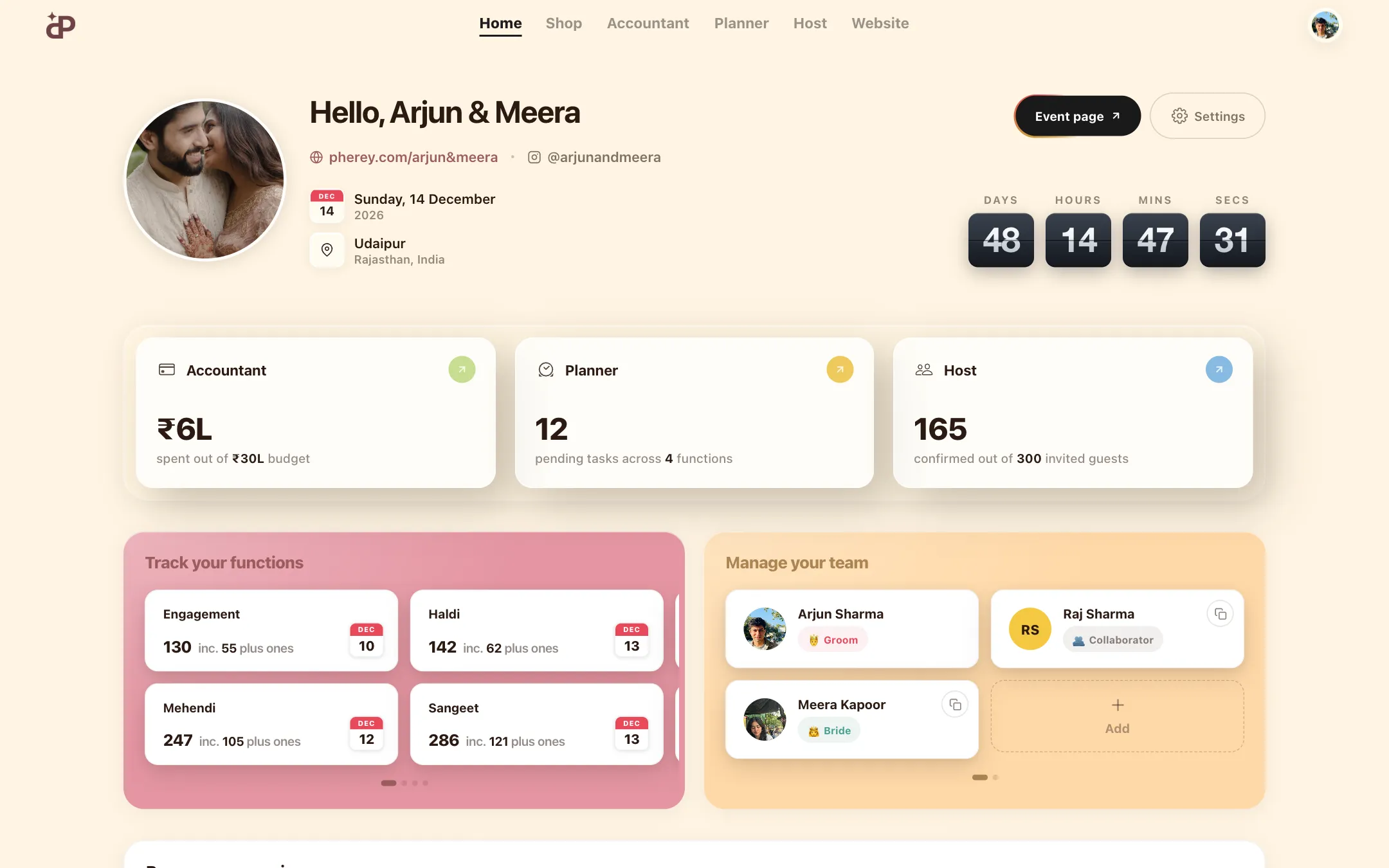
Start on your dashboard
Budget, to-dos and guests are ready, with a countdown to the day.
Who can sign up?
Anyone who is planning the wedding. The first thing Pherey asks is your name, then who you are in this story: the bride, the groom, a loved one or a wedding planner. Your answer shapes what you see next, so a planner managing clients and a mom planning her daughter’s wedding both land in the right place.
Tell us about your wedding
Add your partner’s name and the wedding date. Not final yet? Add a tentative one. The sooner Pherey knows the date, the better it can plan your timeline, reminders and budget around it.
A few quick questions, and your wedding is set up
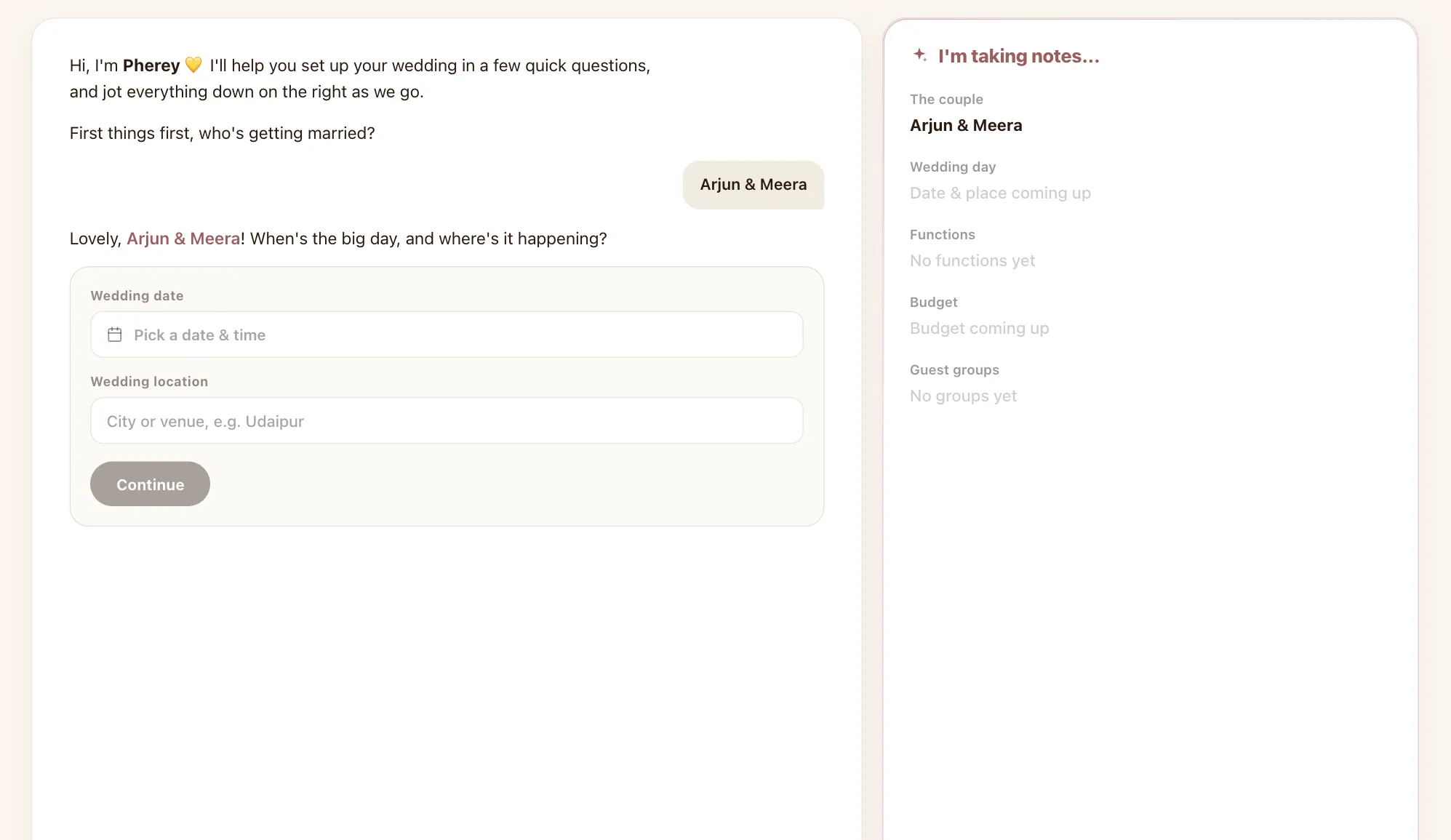
Next, Pherey walks you through the basics like a friend with a notebook: who is getting married, when and where, which functions you are hosting, the budget and your guest groups. Everything you say gets jotted down on the right, so you can see your wedding take shape.
- The couple
- Wedding day & place
- Functions like Mehendi, Haldi, Sangeet & Reception
- Budget
- Guest groups for each side
How do I add my partner and family?
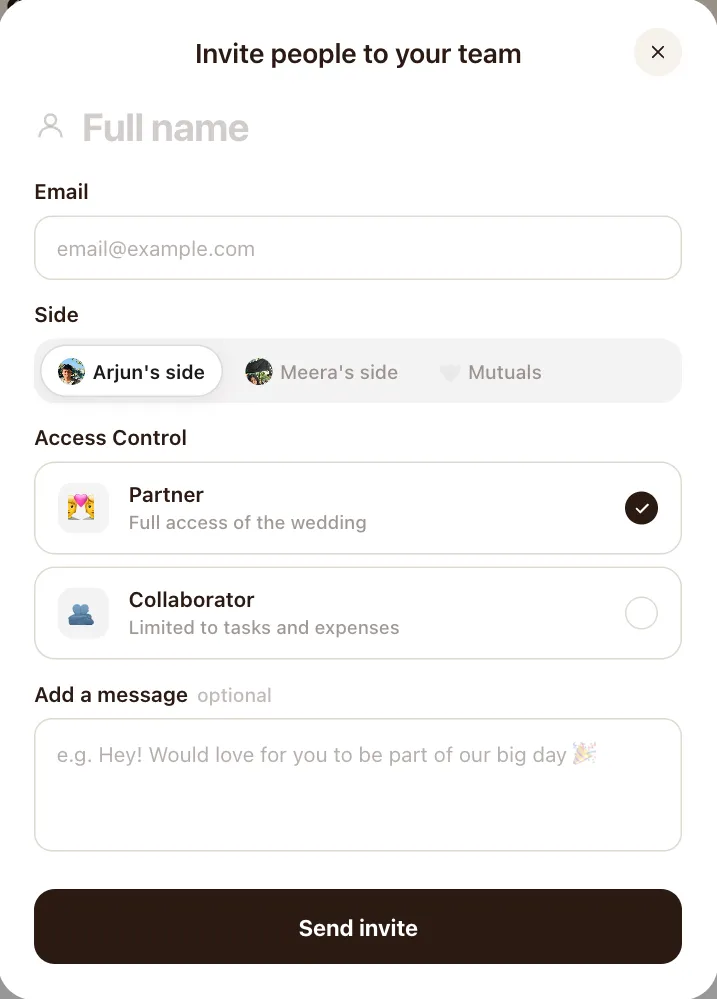
From your dashboard, open Manage your team and tap Add. Enter their name and email, pick their side, and choose how much they can see. They get a link to join, and from then on you are all working on the same wedding.
- Partner: full access to the whole wedding
- Collaborator: limited to tasks and expenses, perfect for siblings, cousins or a friend helping out
- Sides: Arjun’s side, Meera’s side or mutuals, so everyone’s guests and costs stay sorted
Your wedding, on one screen
Your home dashboard shows the countdown, how much you have spent against the budget, pending to-dos across functions and how many guests have confirmed. Each function has its own card with the date and headcount, and your team sits right next to it.
Questions families ask
Is Pherey free to use?
Yes. The core planning app is free. The AI wedding planner and premium website templates are paid. Browsing and enquiring with vendors is free for couples.
Can my parents plan the wedding on Pherey too?
Yes. Invite them from Manage your team. Give them partner access to see everything, or collaborator access for tasks and expenses only.
Can a wedding planner use Pherey for clients?
Yes. Pick “I’m a wedding planner” when you sign up, set up the couple’s wedding and invite them in.
What if we have not fixed a date yet?
Add a tentative date. You can change it later and your timeline, reminders and countdown move with it.
Plan it together, from anywhere
Free to start. Bring in your partner, parents and siblings whenever you are ready.
Keep exploring
Wedding planner
Budget, to-dos, guests, invites and your wedding website in one shared workspace.Learn more →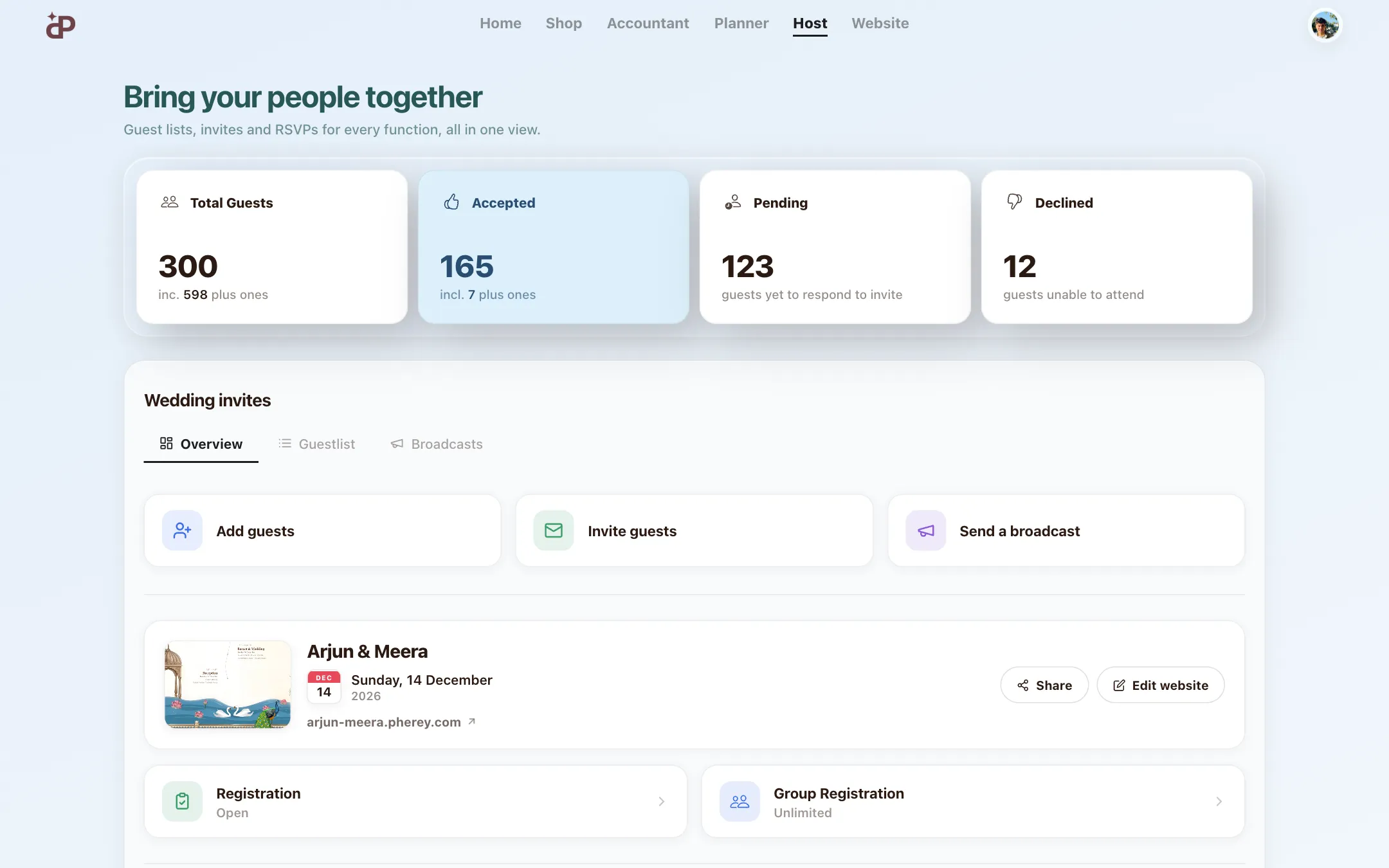
Guest list & RSVP manager
Guest lists, invites and RSVPs for every function, sorted by side and group.Learn more →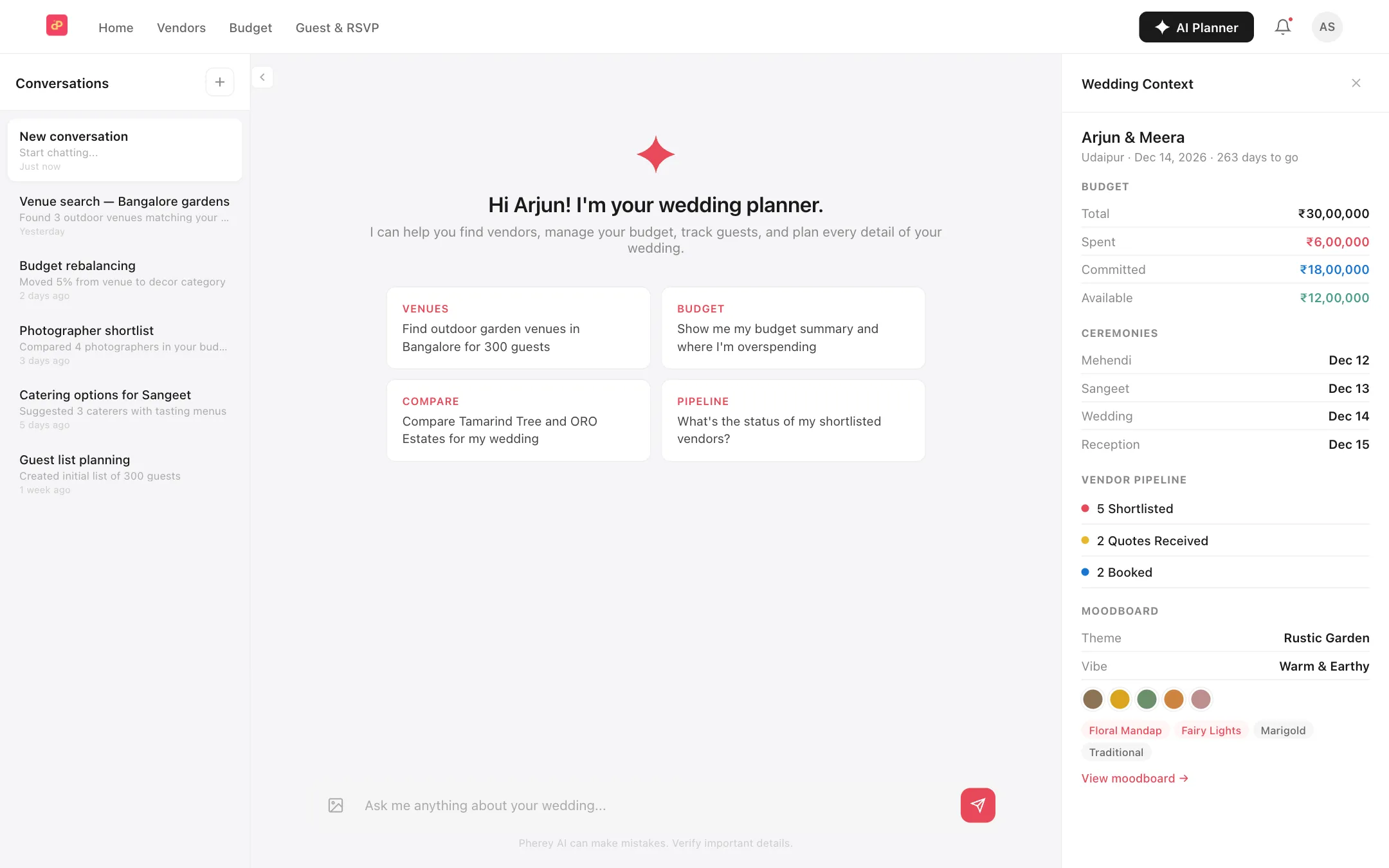
AI wedding planner
Ask about your budget, guests and to-dos, and let it do the busywork.Learn more →
It is always meant to be